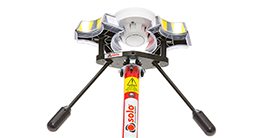
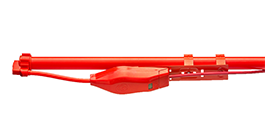
XTR_Pulse_DT_Connect_Logos_White_1.png

Automated test reports from any test tool

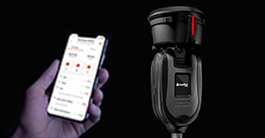
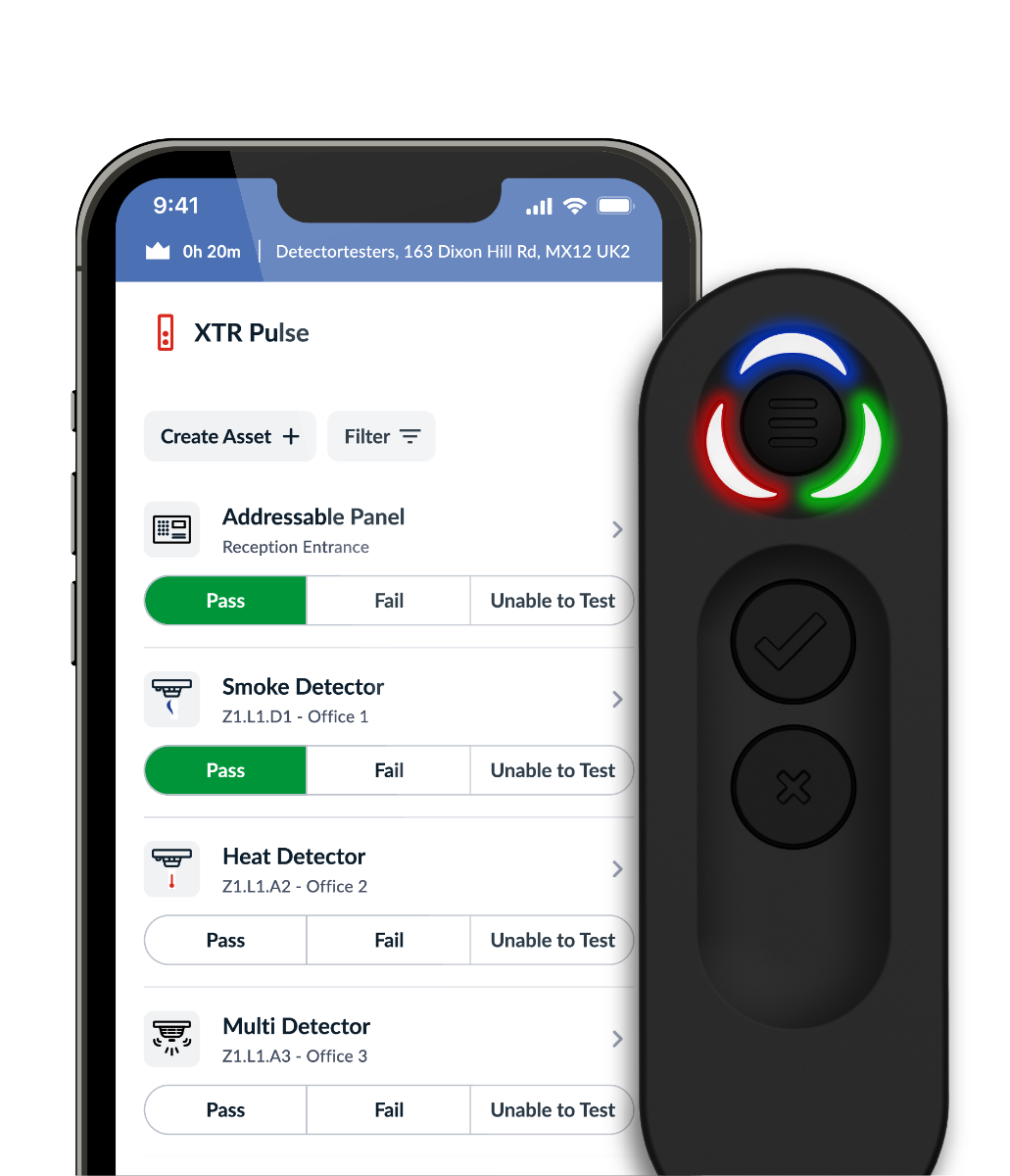
XTR Pulse works with your existing test tools to digitise Pass/Fail results straight into DT Connect — no paperwork, instant evidence.

XTR_pulse_Landing_page_banner_image.png
XTR_Pulse_DT_Connect_Logos_White_1.png

Automated test reports from any test tool

XTR Pulse works with your existing test tools to digitise Pass/Fail results straight into DT Connect — no paperwork, instant evidence.

Simple Setup, Powerful Results

Ditch the paper and deliver faster with XTR Pulse and DT Connect.

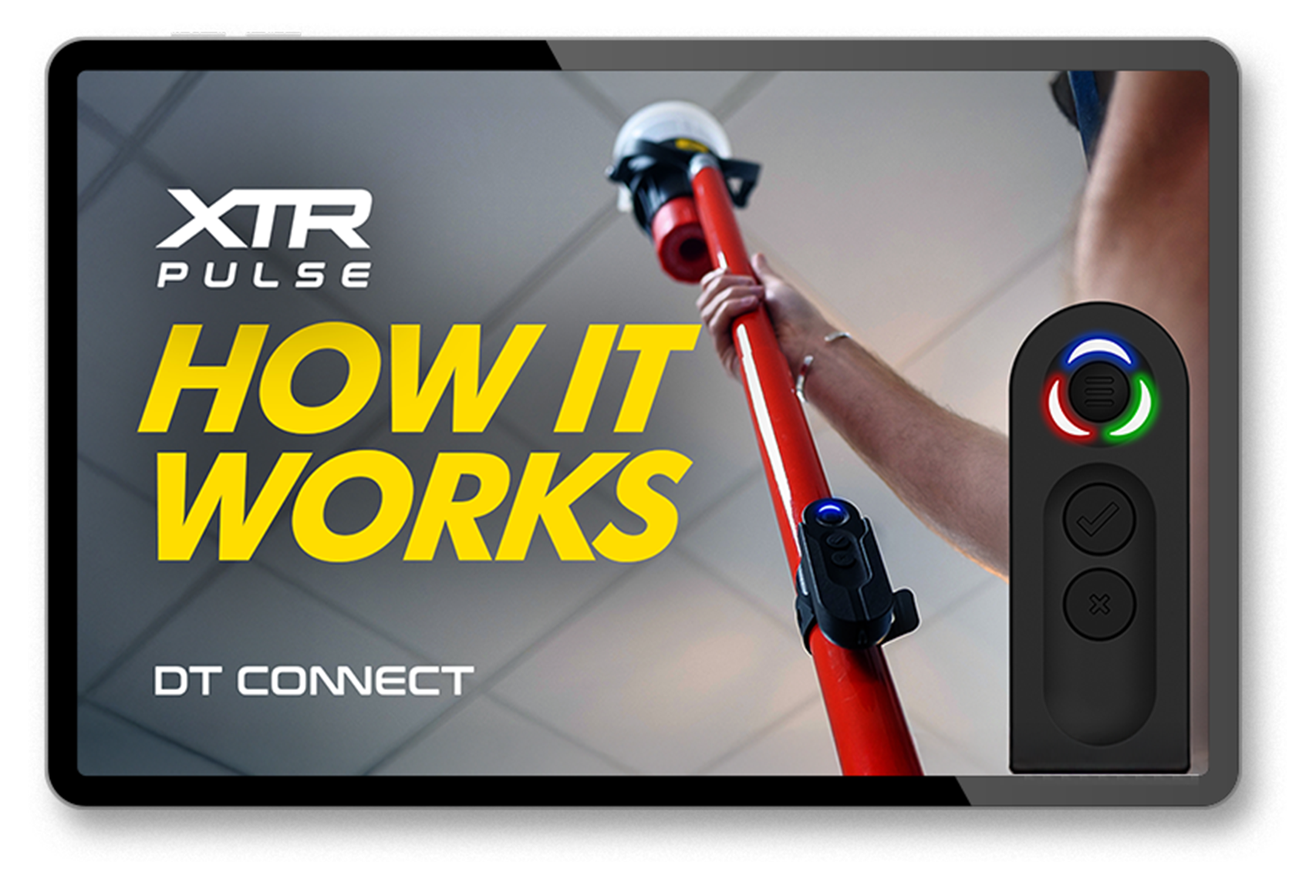
How XTR Pulse works with your kit

Step 1. Pair XTR Pulse with the DT Connect app (one‑time).


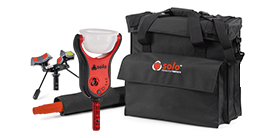
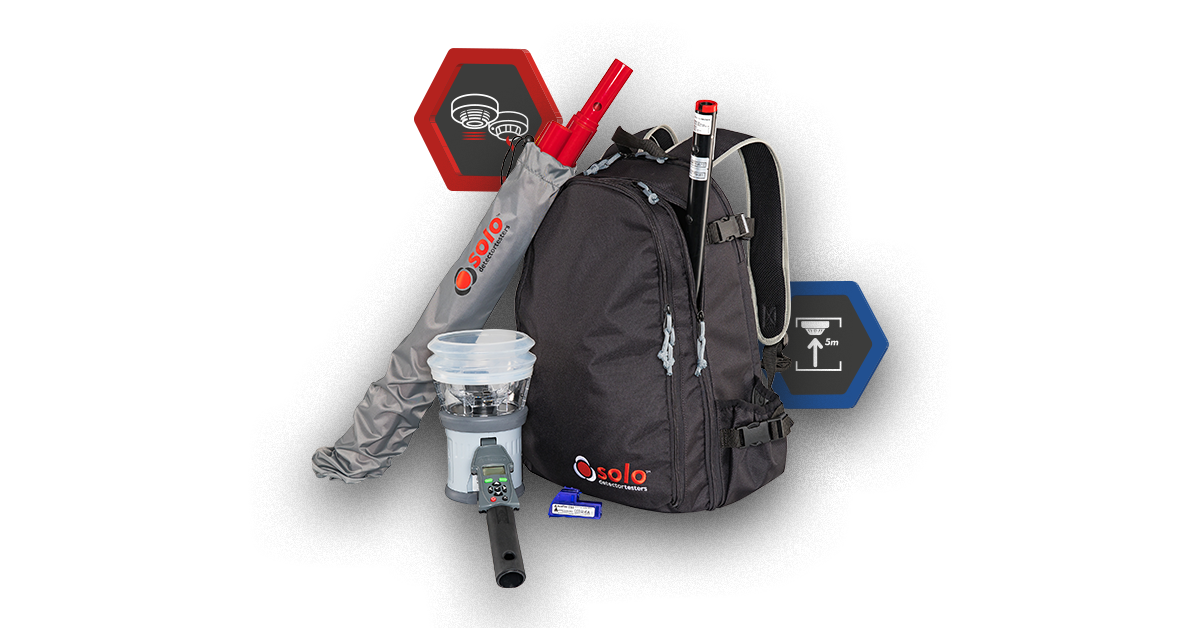
Step 2. Perform tests with your current Solo or Testifire test tools.


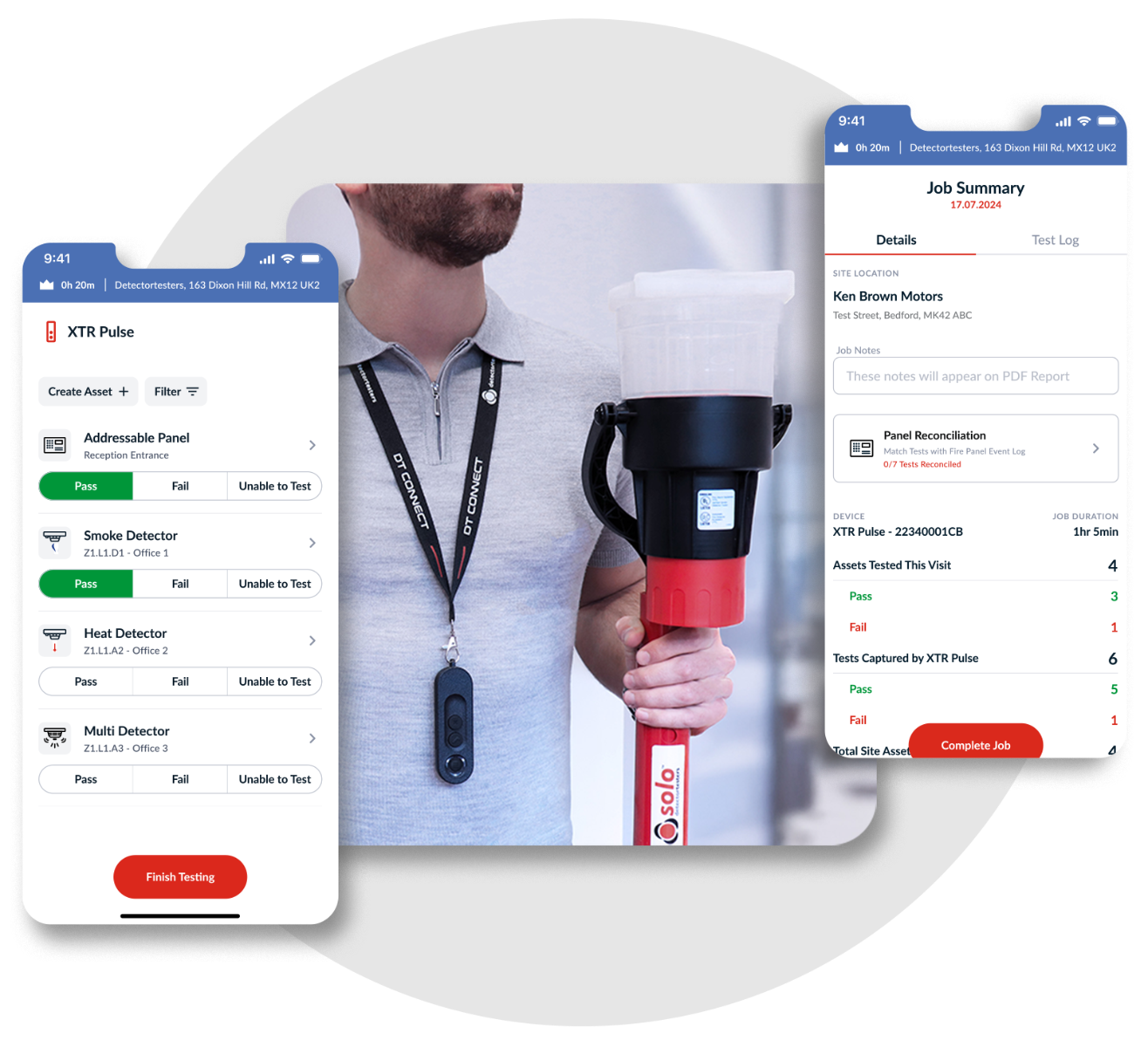
Step 3. Tap Pass/Fail on XTR Pulse for Smoke • Heat • CO (and combos).  Results are logged in DT Connect for quicker and easier reporting as well as for auditable records.

v2_how_it_works_table_timage.png
Play Video

A Streamlined testing process

streamlined_testing_process.png
  • Real-Time Results
    Capture and record test outcomes as you go – no paperwork, no delays.
  • Automated Reporting
    Generate instant PDF reports with full test breakdowns and digital signatures.
  • Cloud-Based Access
    View job history, site assets, and share reports anytime, anywhere.

Instant test reports

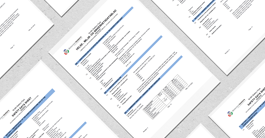
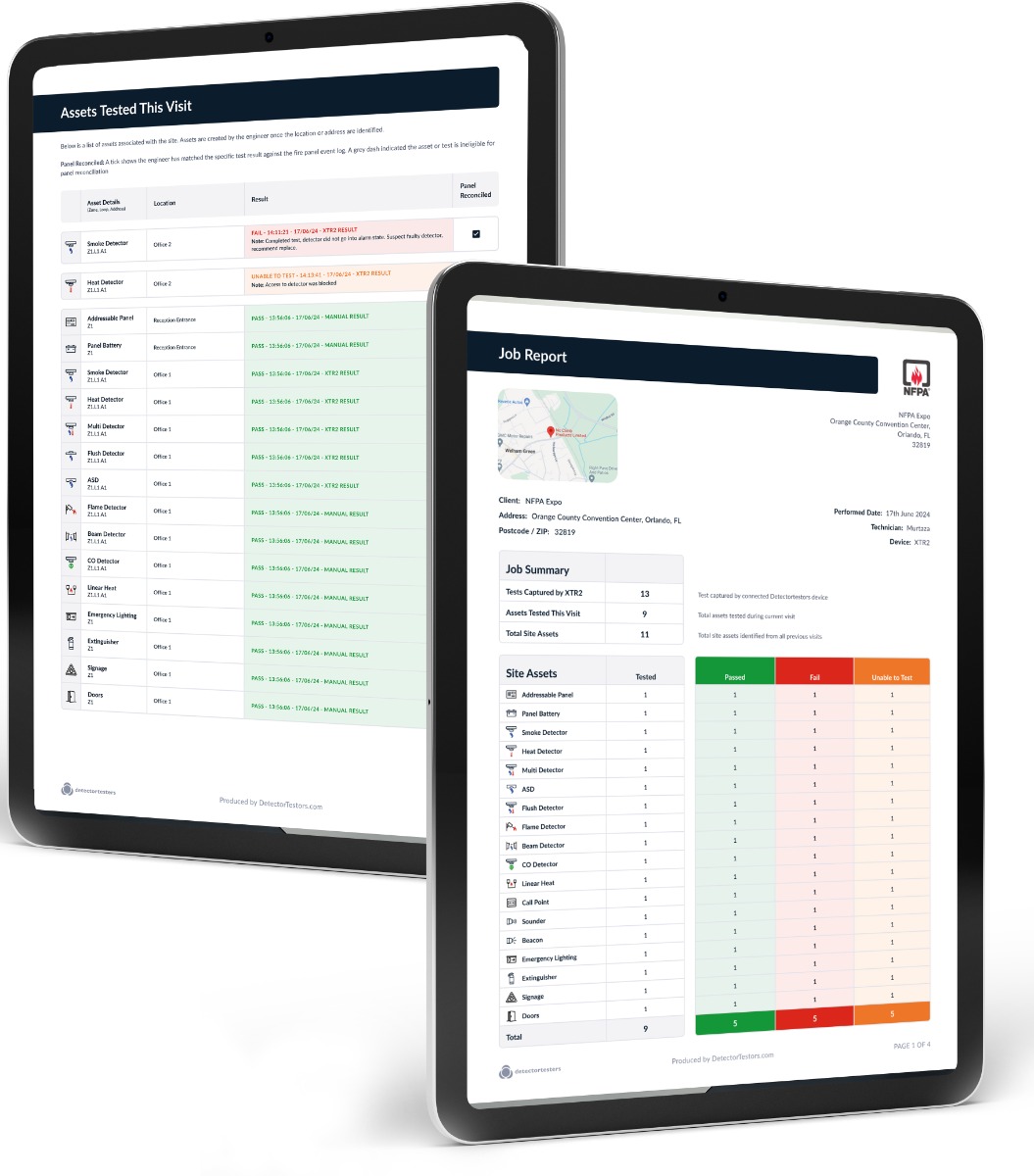
Auto-generated reports, instantly available after the job is completed. Get a full test breakdown, digital signatures, and easy sharing methods. Ensure client confidence with a seamless digital audit trail.

test_report.jpg

Report Breakdown

  • Job summary: Overview of the testing carried out, with a table including a summary of test results organised by asset type (only visible if you tested an asset).
  • Assets tested this visit: View of all tested assets, including asset information, and result. Ordered by result type.
  • Tests captured by XTR Pulse: Chronological test log pulled directly from the device. Showing tests carried out, (smoke, heat, combined etc.).

How to claim your FREE XTR Pulse

Step 1

Create an account on DT Connect (click on the button below).

Step 2

Go to Devices> Manage Subscriptions choose a Monthly or Annual Subscription.

Step 3

Click on ‘Receive Free XTR Pulse’
and complete payment.

Once you have received your Free XTR Pulse register your device on the DT Connect Portal and Assign your Subscription to the device.

Clicking 'Get Started' will take you to the DT Connect portal . Create your account and select your chosen subscription option, you'll receive a free XTR Pulse with your subscription*.

*Monthly subscriptions can be cancelled at any time.

part of Noventis Safety group